
Step right up, folks, and witness the mind-blowing wonders of tone mapping in the thrilling world of Urbex.
Brace yourselves for this groundbreaking article that’s sure to make your eyeballs pop with astonishment. I am going to delve into the mystical realm where pixels transform into mystical creatures, and dynamic range becomes the hottest topic in your conversations.

More seriously, tone mapping is a technique used in photography to adjust the tonal range of an image in order to improve its appearance and increase its dynamic range. It is often used in high dynamic range (HDR) photography, which involves capturing multiple images at different exposure levels and then combining them into a single image. In short, tone mapping, is where the art of photography meets the science of visual wizardry. So let’s leave behind the realm of pixel perfection, and unveil the secrets behind this powerful technique.
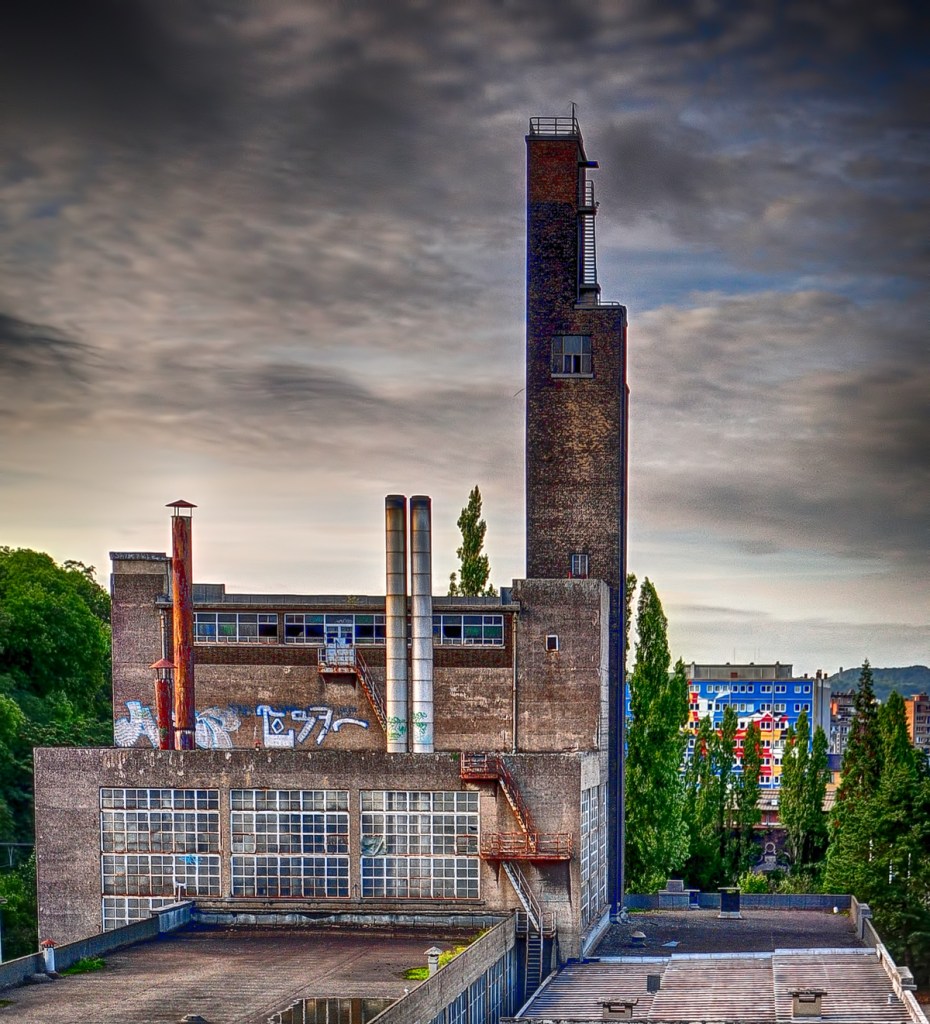
Tone mapping compresses the dynamic range of an image; the difference between the brightest and darkest parts of the image is reduced. This brings out more detail in the shadows and highlights of the image, making it appear more balanced and visually appealing.
There are two major techniques used for tone mapping: local and global tone mapping. Local tone mapping adjusts the tonal range of specific areas of the image, global tone mapping adjusts the tonal range of the entire image.Less used techniques include exposure fusion and tone compression.
Tone mapping can be performed manually using image editing software, or it can be done automatically using specialized software or camera settings. Ultimatly, the goal of tone mapping is to produce an image that is visually pleasing and accurately represents the scene as it was captured by the camera, not to create an eye watering shit mess of colours and improbable tonal range !!
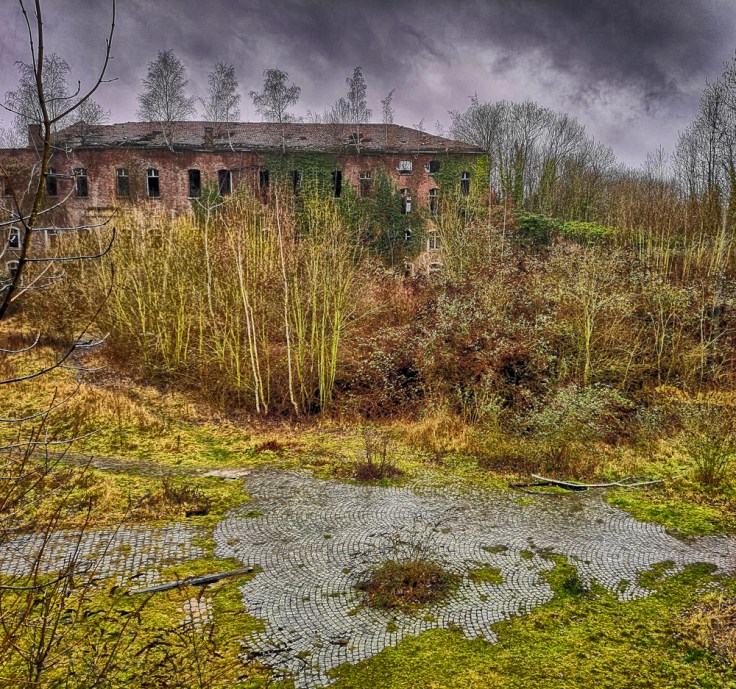
There are many software programs available for tone mapping. The most popular ones include:
- Adobe Photoshop: includes several tone mapping tools, such as the HDR Toning feature and Camera Raw filter.
- Photomatix Pro: a dedicated HDR software that includes several tone mapping algorithms, such as Tone Compressor and Detail Enhancer, and allows for the batch processing of multiple images. That’s what I use.
- Aurora HDR: includes advanced tone mapping tools, such as the Quantum HDR Engine and the Luminosity Masking feature.
- Nik Collection by DxO: a set of powerful image editing plugins that includes the HDR Efex Pro plugin.
- Luminance HDR:a free and open-source HDR software that includes several tone mapping algorithms, such as Mantiuk ’06 and Fattal.
These are just a few examples. The choice of software will depend on your specific needs and preferences, as well as the complexity of the image processing required.
So, how do you actually tone map an image ?
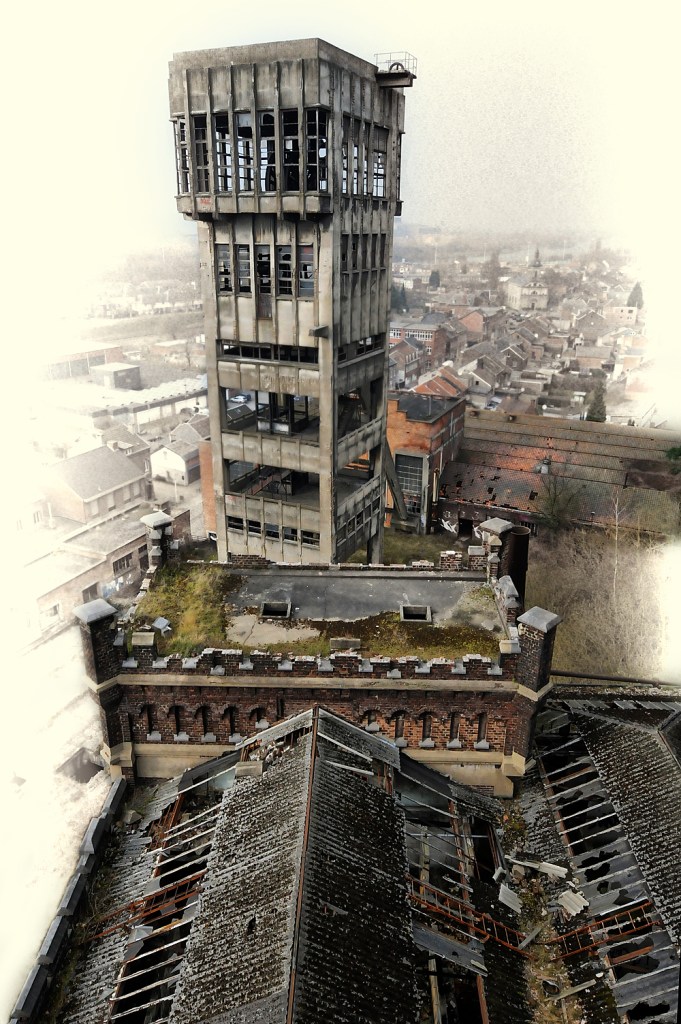
- Choose an HDR image: a high-quality HDR image that contains a wide range of tonal information.
- Select a tone mapping app.
- Preprocess the HDR image: Prior to tone mapping, consider pre-processing steps such as noise reduction, alignment, and ghost removal (if applicable).
- Adjust tone mapping parameters: Experiment to achieve the desired tone mapping effect. This may include global contrast, local contrast, saturation, brightness, and more.
- Preview and refine: Most tone mapping software allows you to preview the output in real-time. Analyze the preview and make necessary adjustments.
- Preserve details: Avoid excessive compression or amplification of the tonal range, as it can lead to loss of details or introduction of artifacts. Aim for a natural-looking result.
- Enhance local contrast: To improve the visual impact of the image, consider applying local contrast enhancements selectively. This can be achieved through techniques like local tone mapping or the use of HDR-specific tools such as a “clarity” slider.
- Consider artistic choices: Depending on your goals, you can choose to create a realistic representation or apply artistic effects. Adjust parameters such as color grading, saturation, and vibrance to match your artistic vision.
- Post-process the tone-mapped image: This can include adjustments to brightness, contrast, color balance, sharpness, and any other enhancements.
- Save the final image: Save it in a suitable format (e.g., JPEG or TIFF) with appropriate compression settings to retain its quality.
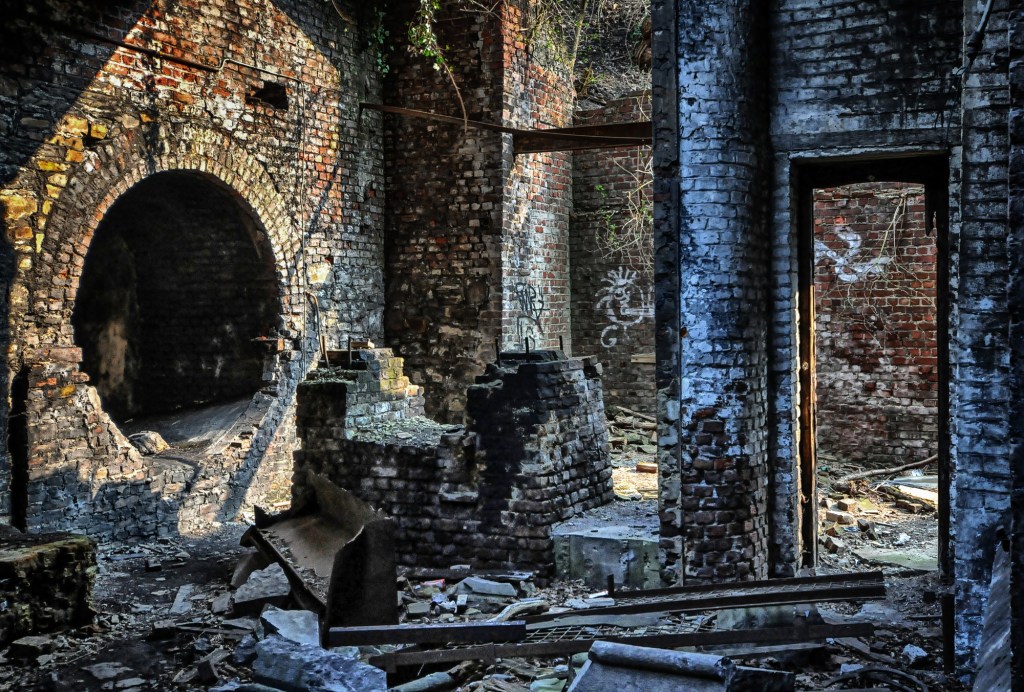
Remember, tone mapping is a subjective process, and your specific steps and parameters will vary depending on the software or tools. It’s important to experiment, iterate, and develop your own artistic style when tone mapping images.
That’s all there is to it.
You’re now an Urbex demi-God !! You’ve unravel the complexities of tone mapping, the secret sauce to turning mundane snapshots into modern art that will make your Instagram followers pretend to care.
So grab your camera, dust off your lens cap, and prepare for a journey through the rabbit hole of tonal manipulation.
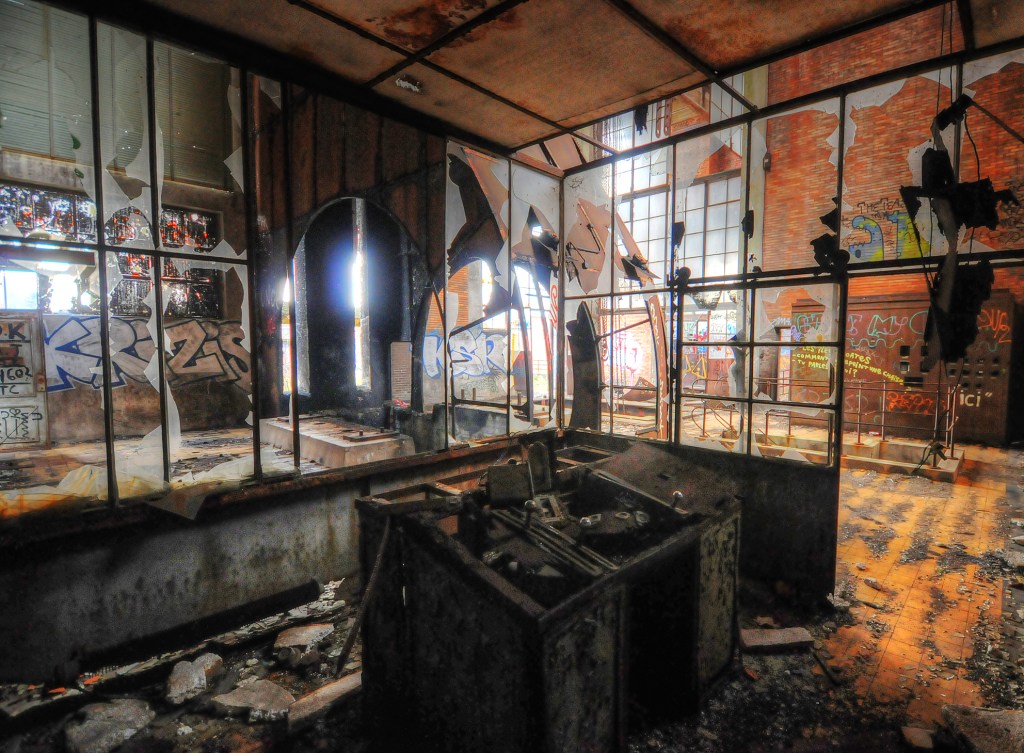

 The Urbex Sentinel